
Last week, a client reached out —
“My WebView app takes forever to load… it’s painfully slow.” 😩
When I checked, the issue wasn’t the website — it was the WebView settings.
By default, Android WebView isn’t fully optimized for speed — you have to tweak it.
Here’s what I used 👇
==========================================
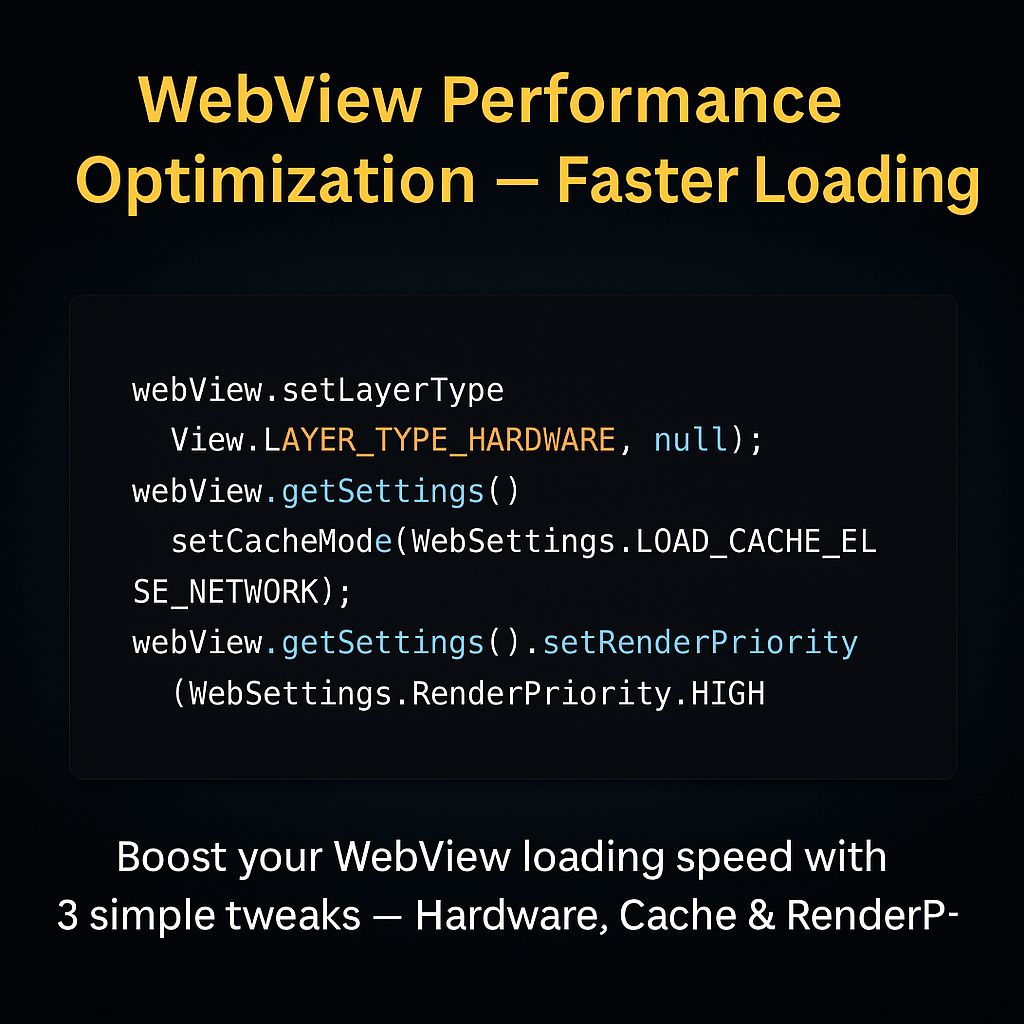
webView.setLayerType(View.LAYER_TYPE_HARDWARE, null);
webView.getSettings().setCacheMode(WebSettings.LOAD_CACHE_ELSE_NETWORK);
webView.getSettings().setRenderPriority(WebSettings.RenderPriority.HIGH);
==========================================
✅ What this does:
* Hardware Acceleration → makes rendering faster
* Cache Mode → loads faster on repeat visits
* Render Priority → ensures smooth UI rendering
After applying these, the load time dropped from 6 seconds → 2 seconds ⚡
If your WebView app feels sluggish, it’s not your website — it’s the setup.
I can help optimize your WebView for real-world performance.
🔗 Hire me on Fiverr → https://lnkd.in/gmCsNH35
#AndroidDevelopment #WebView #PerformanceOptimization #AppSpeed #MobileAppDevelopment #FiverrDeveloper